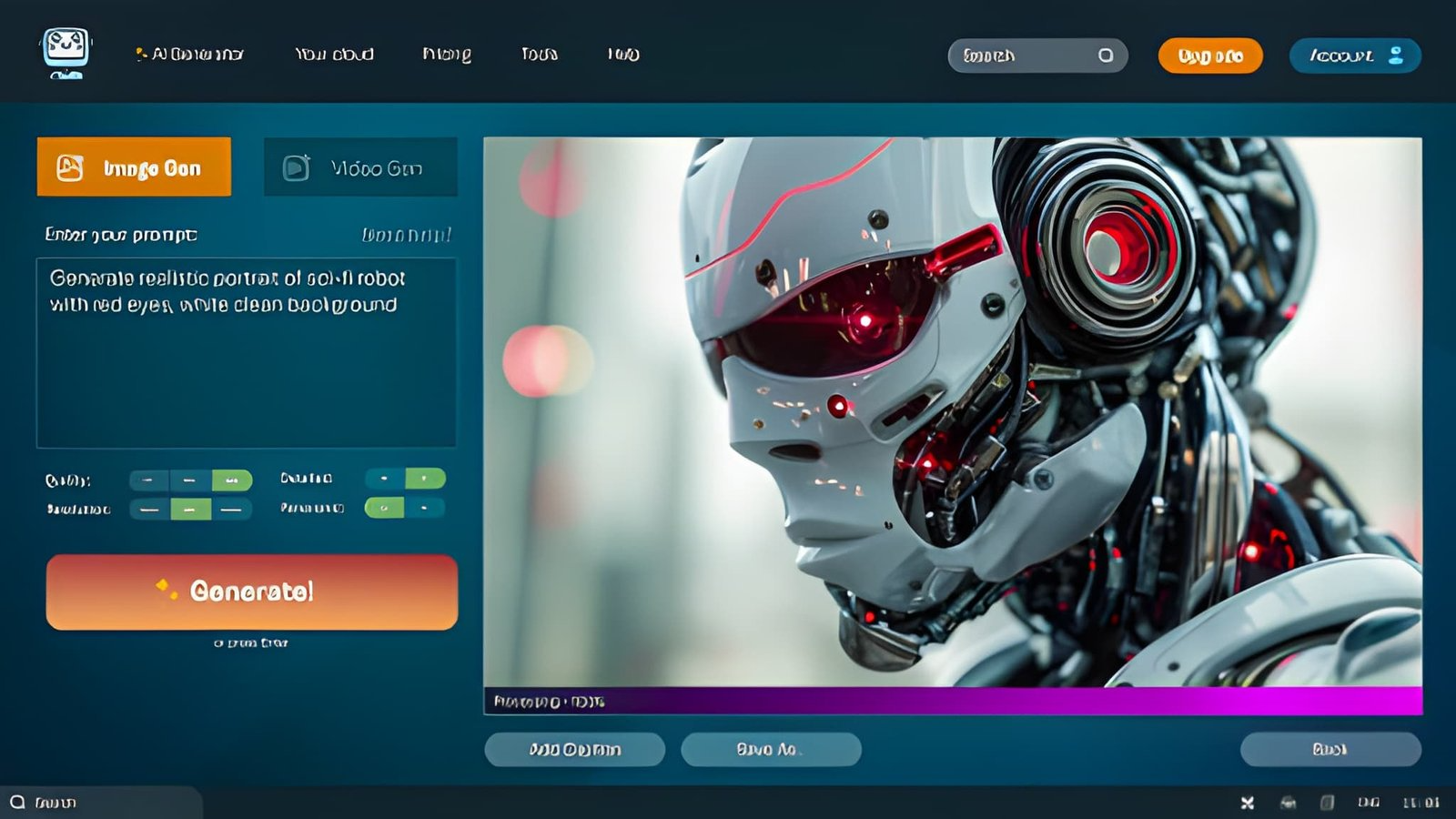
The best AI video generators in 2026 let content creators turn a script, a photo, or an idea into a finished video — without a camera, a studio, or editing skills. Whether you make faceless YouTube videos, short-form clips, or marketing content, there is now a tool that fits your workflow. This guide ranks the top options, what each does best, and how to choose the right one for the content you make.
Quick answer: For turning a script into a presenter-led video fast, VlogMe is the easiest starting point. For cinematic generative clips, Runway and Google Veo lead. For stock-based explainers, InVideo works well. The right tool depends on the kind of video you create — here is the full breakdown.
Best AI Video Tools for Creators at a Glance
Here is a quick comparison before the details. Each tool takes a different path from idea to finished video.
| Tool | Best For | How It Works | Free Tier |
| VlogMe | Script/photo to talking video | Text or photo to avatar video | Yes |
| Runway | Cinematic generative video | Text/image to AI-generated clip | Limited |
| Google Veo | Realistic short clips + audio | Text prompt to cinematic clip | Rate-limited |
| InVideo | Stock-footage explainers | Text to stock-based video | Yes |
| Pika | Short creative clips | Text/image to short clip | Limited |
| CapCut | Editing + short-form | AI generation plus editor | Yes |
Free tiers and features change often — always check current terms before you commit.
What Is an AI Video Generator?
An AI video generator is a tool that turns text, images, or audio into a finished video using artificial intelligence. Instead of filming and editing, you describe what you want — or provide a script or photo — and the tool produces the video for you. Some tools create fully generated scenes, while others build a presenter, animate a photo, or assemble stock footage.
For content creators, this removes the two biggest barriers to publishing video: equipment and editing time. That is why AI video has moved from a novelty to a core part of many creators’ workflows, especially for those publishing often across YouTube, TikTok, and Instagram.
The 6 Best AI Video Generators for Creators in 2026
1. VlogMe — Best for Turning a Script or Photo into a Video
If your goal is to go from a written idea or a single photo to a finished, presenter-led video, VlogMe is the easiest place to start. You paste a script or upload a photo, pick a voice, and it generates the full video — voiceover, on-screen presenter, lip-sync, and subtitles — in minutes, with no editing required.
It is built for creators who publish consistently: faceless YouTube and TikTok channels, marketers, and small teams who cannot film every week. Its text-to-video workflow turns a plain script into a finished clip, and it supports multiple languages and even live avatars that respond to comments during a stream. The free tier lets you create and test videos before upgrading.
Best for: Faceless creators, marketers, and anyone who wants fast script- or photo-to-video.
2. Runway — Best for Cinematic Generative Video
Runway is a favorite among creators who want fully AI-generated, cinematic footage. It turns text or images into stylized, high-quality clips and offers a deep set of creative controls. It is less about talking-head content and more about generating original visual scenes, which makes it popular for artistic and experimental work.
Best for: Creators making cinematic, generative, or artistic video.
3. Google Veo — Best for Realistic Clips with Audio
Google Veo produces some of the most realistic AI-generated clips available, and its built-in audio generation is a standout that few tools match. Access is rate-limited rather than credit-based, and it excels at short, prompt-driven scenes where visual realism matters most.
Best for: Short, realistic, prompt-based clips where quality is the priority.
4. InVideo — Best for Stock-Footage Explainers
InVideo takes a different approach: instead of generating every frame, it assembles videos from a large stock library, adds an AI voiceover, and applies captions and transitions from your text prompt. Its text-based editor lets you change a scene by typing an instruction, which makes it fast for explainer and marketing content.
Best for: Explainers and social clips built from stock footage.
5. Pika — Best for Short Creative Clips
Pika is built for quick, creative short clips from text or images. It is approachable and fast, with a focus on fun, stylized results. For creators who want to experiment with short AI video without a steep learning curve, it is an easy entry point.
Best for: Quick, creative, short-form AI clips.
6. CapCut — Best for Editing and Short-Form
CapCut blends AI generation with a full editor. You can generate clips, then trim, add effects, overlay text, and export in one place. Its desktop app exports without a watermark and supports high resolution, with auto-captions built in. The generation is modest next to dedicated tools, but the editing integration saves real time.
Best for: Short-form creators who want generation and editing together.
How Do You Choose the Right AI Video Generator?
Start with the kind of content you make, then match the tool to it. Test one short video before committing.
For script- or photo-based presenter videos, start with VlogMe. For cinematic generative footage, try Runway or Google Veo. For stock-based explainers, use InVideo. For quick creative clips, Pika. For editing plus generation, CapCut. The best tool is simply the one that gets you a finished, usable video with the fewest retries on your own content.
Frequently Asked Questions
What is the best AI video generator for beginners?
For complete beginners, a script-to-video tool such as VlogMe is the simplest, because it removes the editing timeline entirely — you provide a script or photo and get a finished video. For quick creative clips, Pika is also very approachable.
Can I make AI videos for free?
Yes. Several tools offer a free tier, including VlogMe, InVideo, and CapCut. Many reserve higher resolution, watermark removal, or more generation credits for paid plans, so check each tool’s current terms before publishing.
Can I turn a photo into a video with AI?
Yes. Tools like VlogMe can animate a single photo into a talking video with a synced voice. You upload a clear, front-facing portrait, add a script or audio, and the tool generates the video automatically.
Do I need editing skills to use AI video tools?
No. Script-to-video tools like VlogMe are built for people with no editing experience — you provide the content, make a few choices, and the tool assembles the finished video for you.
Which AI video tool is best for faceless YouTube channels?
For faceless content, a script-to-video tool such as VlogMe works well because it generates a presenter and voiceover from your script, so you never need to appear on camera or record your own audio.
Getting Started
You no longer need a camera or a budget to publish professional video. If you want the fastest path from a script or photo to a finished video, try VlogMe free and see your first video come together in minutes. For cinematic or experimental work, the other tools on this list are all worth testing against the content you make.
Read more: Is Muse Spark 1.2 Actually a Coding Model? The Independent Data Says Something Else
Why Companies That Scale Successfully Invest in Business Analysis Before Writing Code
Peace Of Mind Is Built, Not Bought