Modern computers are used for almost everything, from attending virtual meetings and completing assignments to managing business projects and enjoying entertainment. As digital activities continue to grow, there are many situations where simply describing something on a computer is not enough. A visual recording can provide much more clarity.
This is why a screen recorder can be a valuable tool for everyday computer users. It allows people to capture what is happening on their displays and turn those activities into video content. Whether the purpose is teaching, documenting, demonstrating, or sharing, screen recording can make digital communication easier.
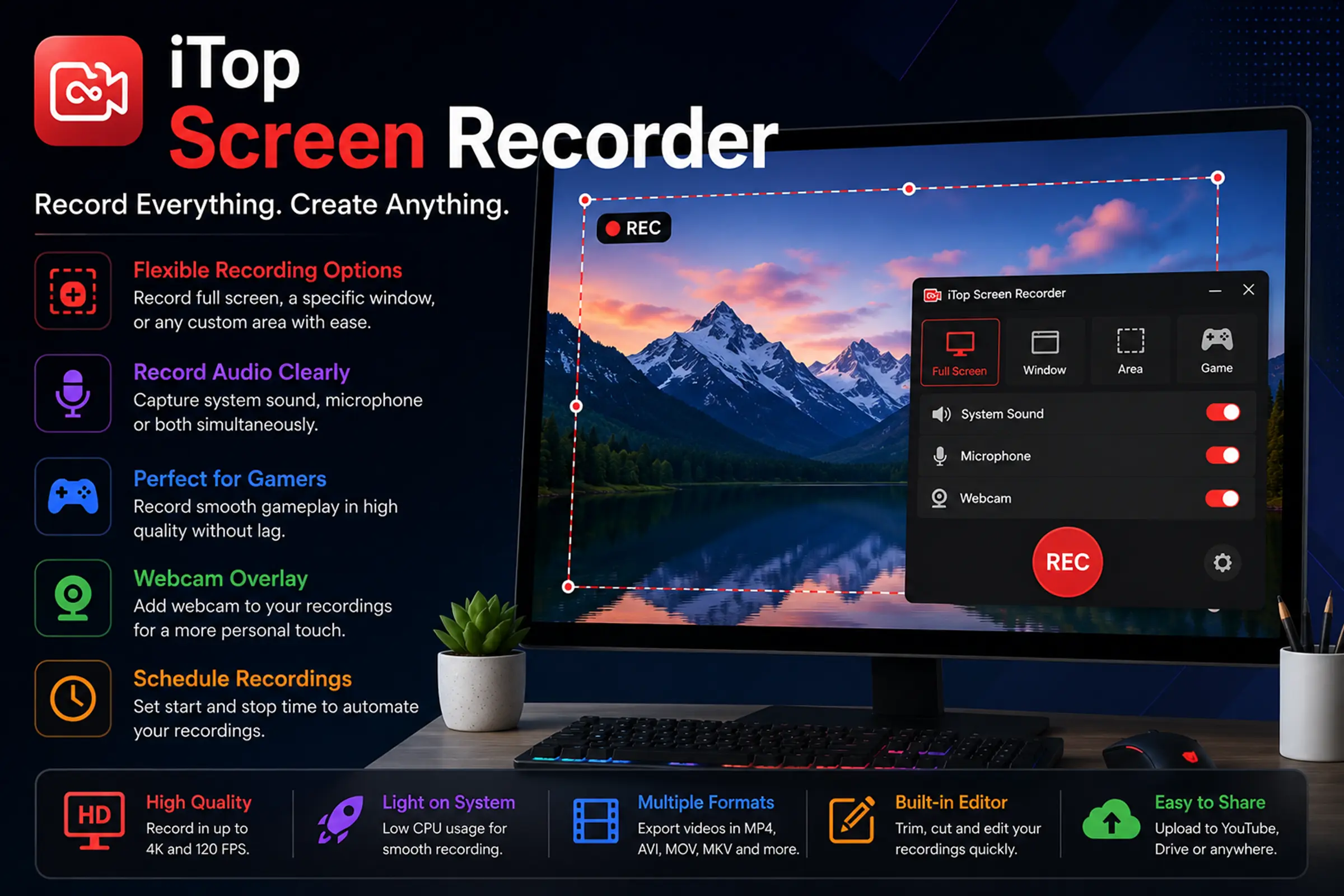
Among the available solutions iTop Screen Recorder offers a practical way to capture desktop activity for a variety of personal and professional needs.
From Computer Activity to Shareable Content
Many useful things happen on a computer screen that people may want to preserve or explain later. A designer may want to demonstrate a creative workflow, a teacher may need to show a software procedure, or a business professional may want to explain a digital process to a colleague.
Instead of describing every action with written instructions, users can record the process and let the video provide the explanation.
This approach can save time because viewers do not have to imagine what the instructions mean. They can simply watch the actions taking place on the screen and follow along.
Make Software Demonstrations Easier
Learning a new application can be challenging when instructions are limited to text. Software often contains multiple menus, settings, buttons, and tools, making written explanations difficult to follow.
A screen recording can provide a more natural learning experience. The creator can open the software, perform the required steps, and explain each action while recording.
With iTop Screen Recorder, users can create demonstrations that show how different computer applications are used. These videos can later be shared with students, customers, employees, friends, or online audiences.
Create Step-by-Step Training Material
Businesses frequently need to train employees on digital systems. Traditional training sessions may require everyone to be available at the same time, which is not always convenient.
Recorded training material offers another approach. An employee can watch a prepared video whenever they have time and repeat sections that are difficult to understand.
A screen recorder is especially useful for software-based training because it can show the actual interface employees will use. Instead of relying on general descriptions, the training video can demonstrate the complete workflow.
This can be helpful for onboarding new employees, explaining internal tools, and introducing updated software.
Record Presentations With More Flexibility
Presentations are another area where screen recording can be useful. A presenter may have slides, charts, websites, or other digital material that needs to be explained.
Recording the presentation allows the speaker to create a reusable version that can be viewed later. This can be particularly useful when the same information needs to be shared with people who were unable to attend the original session.
Before recording, it is helpful to organize the presentation and remove unnecessary applications from the desktop. A clean workspace can make the final recording look more professional.
Build a Personal Knowledge Library
Not every recording needs to be shared publicly. Some people can use screen recordings simply for personal reference.
For example, someone learning a complicated computer process may record their own demonstration so they can remember it later. A researcher may document a workflow, while a student may create a collection of educational demonstrations.
Over time, these recordings can become a personal library of useful visual references.
However, users should manage their storage carefully because video files can occupy significant disk space. Old or unnecessary recordings can be archived or removed to keep the computer organized.
Capture Important Digital Workflows
Digital projects often involve several steps that may be difficult to remember. Recording a workflow can provide a useful reference for future projects.
A developer might record a particular setup process. A designer could capture part of a creative workflow. An online seller might demonstrate how a product-management system works.
The purpose is not always to create a polished public video. Sometimes the recording simply acts as documentation.
This makes a screen recorder useful beyond traditional content creation. It can become a practical documentation tool for everyday digital work.
Use Screen Recording for Customer Support
Customer support teams often need customers to explain technical problems. Unfortunately, written descriptions can sometimes leave out important details.
A short screen recording can show exactly what the customer sees and what actions lead to the problem. This can provide support teams with valuable information.
Similarly, support professionals can create their own recordings to show customers how to solve common issues. Instead of writing a long series of instructions, they can demonstrate the solution visually.
This can make technical communication easier for people who are not familiar with complex computer terminology.
Make Creative Content More Engaging
Screen recordings can also become part of larger creative projects. Content creators can combine captured desktop footage with narration, graphics, music, or other video elements.
Technology channels can use recordings for software reviews and tutorials. Educational creators can demonstrate digital tools. Productivity creators can show workflows and applications.
The original screen recording becomes raw material that can be edited according to the creator’s style.
iTop Screen Recorder can therefore be useful at the beginning of a content-production process, providing footage that can later be refined with video-editing software.
Record Web-Based Activities Responsibly
The internet contains a huge amount of visual information, but not everything should automatically be recorded or redistributed.
When using a screen recorder to capture online content, users should consider copyright, privacy, and website policies. Private conversations, confidential information, paid content, and other protected material should not be recorded or shared without appropriate permission.
Responsible recording ensures that the technology is used for legitimate purposes while respecting other people’s rights.
Improve Recording Quality With Simple Preparation
High-quality recordings are not only about software. Preparation also plays an important role.
Before starting a recording, users should check the display resolution, microphone, system audio, and recording area. Unnecessary notifications should be disabled so they do not appear unexpectedly.
It is also useful to prepare the desktop beforehand. Closing unrelated applications can reduce distractions and may help the computer dedicate resources to the recording process.
For longer projects, creating a short script or outline can make the presentation more organized.
Choose Settings According to Your Purpose
Not every recording needs the highest possible quality. A short tutorial for internal use may not require the same settings as a video intended for a large online audience.
Users should consider the purpose of the recording before selecting quality and other options. Higher-quality video can look better but may also produce larger files.
Finding the right balance can make recordings easier to store, edit, and share.
Keep Your Video Files Organized
Regular recording can quickly create a large collection of video files. Without proper organization, finding an older recording may become difficult.
A simple folder system can solve this problem. Users can separate videos into categories such as tutorials, work projects, gaming, education, and personal recordings.
Adding useful names and dates to files can make searching even easier.
This small habit can save considerable time when recordings are needed again.
Who Should Consider a Screen Recorder?
A screen recording tool can benefit almost anyone who regularly works with digital content. Students can use it for educational projects, teachers can prepare demonstrations, and companies can create training material.
Freelancers can use recordings to explain work to clients, while developers and support professionals can document technical procedures. Content creators and gamers can also use captured footage as part of their video production.
The flexibility of screen recording is what makes it useful across so many different activities.
Conclusion
A computer screen can contain valuable information, but explaining that information through text is not always the most effective approach. Video provides a direct way to demonstrate actions, preserve workflows, and communicate ideas.
iTop Screen Recorder can help users turn desktop activity into useful recordings for training, education, customer support, documentation, presentations, and creative projects. A capable screen recorder does not have to be limited to entertainment or professional video production; it can also become a practical everyday productivity tool.
By planning recordings carefully, choosing suitable settings, protecting private information, and organizing saved files, users can get much more value from their screen-recording workflow. Whether the goal is to teach, explain, document, or create, recording the screen can turn ordinary computer activity into content that is easier to understand and share.
Also Read-How Blockchain Technology Works in Simple Terms